Asana KPI Tracking: Dashboards, Goals, and Reports
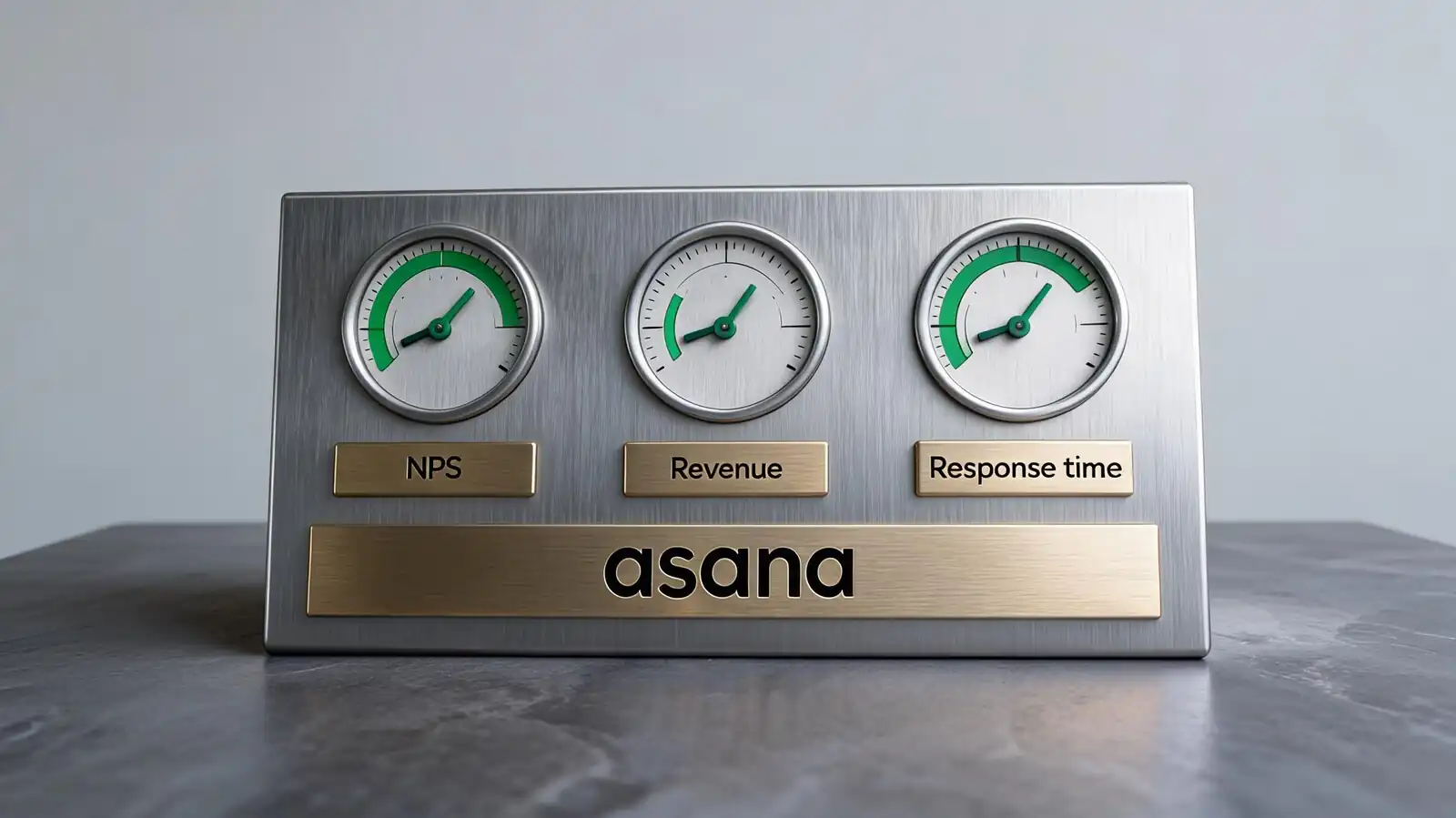
What KPIs Asana Can Track
Asana tracks KPIs through Goals (with numeric targets and current values) and through custom field rollups on projects. The right approach depends on whether the KPI ties to project work or stands alone.
Two patterns work. KPIs tied to project completion (campaign deliveries, feature ships) link to projects via Goals. KPIs that come from external systems (revenue, NPS) need manual updates or an API push.
- Project, team, operational metrics — track via Goals on Advanced, custom field sums on dashboards, or status update narratives
- KPI vs OKR — KPIs are ongoing with thresholds; OKRs are time-bound with key results
- Metric ownership — every KPI needs a named owner; ownerless KPIs go stale within a quarter
- Update cadence — weekly for short-cycle KPIs (sprint, content); monthly for longer-cycle (NPS, revenue)
- Targets and bands — green (above target), amber (within 10%), red (below 10%); standardise across team
Don\'t track more than 5–7 KPIs at any one level. Past that, the team can\'t focus on all of them, and stragglers become noise.
Five to seven KPIs per level, named owner, weekly or monthly cadence. More KPIs = less focus.
KPI Templates and Setup
A KPI template ships with fields for target value, current value, owner, status, and update cadence. Asana ships a few generic ones; most teams customise within the first month.
Setup is mostly choosing the structure. Pick fewer high-signal KPIs early; expand later if the team genuinely needs more.
- Fields — Target (number), Current (number), Status (single-select: On track / At risk / Off track), Owner, Last updated (date)
- Fewer high-signal KPIs — 3 KPIs that drive decisions beat 12 KPIs that get glanced at
- Department examples — Marketing: leads generated, content engagement, channel ROI. Engineering: deployment frequency, change failure rate, lead time, MTTR. Customer: NPS, retention, expansion revenue.
- Update reminders — recurring task on the owner: "Update [KPI] for the week"
- Department-specific dashboards — one per team; rolls up to a company-wide KPI page
If a KPI hasn\'t been updated in 30 days, it\'s effectively retired. Either bring it back or remove it; stale KPIs lose credibility.
Three to five KPIs per team, named owner, recurring update reminder. Stale KPIs = remove them.
Dashboards and Reporting Views
KPI dashboards combine number cards (current value), trend lines (if available), status colour codes, and a written narrative. The narrative is what stakeholders actually read.
The narrative is more important than the chart. A single status update paragraph carries more signal than a wall of cards for most readers.
- Progress charts — current vs target as a bar or number card; trend over absolute
- Goal links — KPIs linked to Goals (Advanced) show alongside other goal data
- Weekly notes — short narrative per KPI: "On track because X; risk Y; next action Z"
- Stakeholder summaries — three sentences for executives, one paragraph for managers, full dashboard for owners
- Export or sharing — CSV export for finance, PDF export for board decks, shared link for internal stakeholders
Test dashboards by reading them cold a week later. If you can\'t tell whether things are going well, the dashboard isn\'t doing its job.
Three sentences for execs, paragraph for managers, full dashboard for owners. Narrative > chart.
Automation and Data Quality
Automation handles reminders for metric updates; data quality is mostly a discipline issue. The best KPI dashboards have stale-data alerts, not just current-value cards.
Two failure modes break KPI tracking: stale data (no one updated it) and wrong data (someone updated it incorrectly). Automation can flag stale data; only discipline catches wrong data.
- Reminders for updates — recurring tasks assigned to KPI owner; weekly or monthly cadence
- Manual data risks — typos, missed updates, wrong calculations; review monthly
- Integrations for source-of-truth data — push GA4, Salesforce, HubSpot data into Asana via API or Zapier; reduces manual entry
- Stale-data alerts — rule that flags KPIs not updated in 14+ days
- Audit cadence — quarterly review of every tracked KPI; retire the ones that no one looks at
If a KPI is wrong on a dashboard for two weeks before someone notices, no one is using it. Use that as the test for whether the metric is real or decorative.
Update reminders + stale-data alerts + quarterly audit. If wrong data goes unnoticed for two weeks, retire the KPI.
KPI Tracking Limits and Alternatives
For analyst-grade KPI dashboards with multi-source data and custom calculations, BI tools win. For weighted OKR practice with calibration and reviews, dedicated OKR software wins. Asana fits the broad middle.
Match the tool to the depth needed. Adding more dashboards to Asana doesn\'t fix a BI-shaped problem.
| Need | Right tool |
|---|---|
| Operational KPI tracking linked to work | Asana Advanced |
| Multi-source KPI dashboards (warehouse data) | Tableau, Looker, Power BI, Metabase |
| OKRs with calibration and reviews | Lattice, Workboard, Mooncamp, Quantive |
| Real-time operational KPIs | Grafana, Datadog, custom-built |
| Small team with simple KPIs | Notion or shared spreadsheet |
- Asana fits ops teams that want KPI tracking alongside the work that produces those KPIs
- For analyst-grade reporting, push Asana data into a BI tool via API or Fivetran
- Avoid vanity metrics: count of comments, count of tasks completed, "engagement" scores
The first rule of KPI tracking: track what you\'ll act on. Tracking metrics no one acts on is busywork that erodes trust in the dashboard.
Asana for ops KPIs tied to work. BI tools for analyst depth, OKR tools for review cycles.
Frequently asked questions
How do I track KPIs in Asana?
Through Goals on the Advanced plan (target value, current value, owner, status colour) or through custom fields on a dedicated KPI tracking project. Update weekly or monthly depending on cadence; pair with a recurring task to remind the owner to update.
Can Asana track multiple departments' KPIs?
Yes. The pattern is one KPI dashboard per team, with a top-level Goals page rolling up to company-wide metrics. Departments stay focused on their own KPIs while leadership sees the company-wide view. The Advanced plan unlocks both Goals hierarchy and Portfolios for rollups.
What's the difference between a KPI and an OKR in Asana?
KPIs are ongoing metrics with thresholds (e.g. NPS, revenue, response time). OKRs are time-bound objectives with measurable key results (e.g. "Launch the new product by Q3 with 90% feature parity"). The Goals feature handles both; the cadence and review patterns differ.
Can Asana pull KPI data from Google Analytics or Salesforce?
Not natively in real time. The realistic path is Zapier or Make to push data periodically (daily or weekly), or a custom API integration. For real-time KPI dashboards from multiple sources, push data to a BI tool and use that as the dashboard layer.
How many KPIs should we track?
Five to seven per team is a comfortable working ceiling. Past that, focus dilutes and stragglers become noise. The company-wide KPI page usually shows the same top 5–7 plus links to team pages for detail. Fewer high-signal KPIs beat many low-signal ones.
Download this guide
The same guide as an offline file — for reading later or sharing with a colleague.
Files open in the matching viewer; sizes are shown next to each link.