Asana Goal Tracking: OKRs, KPIs, and Dashboards
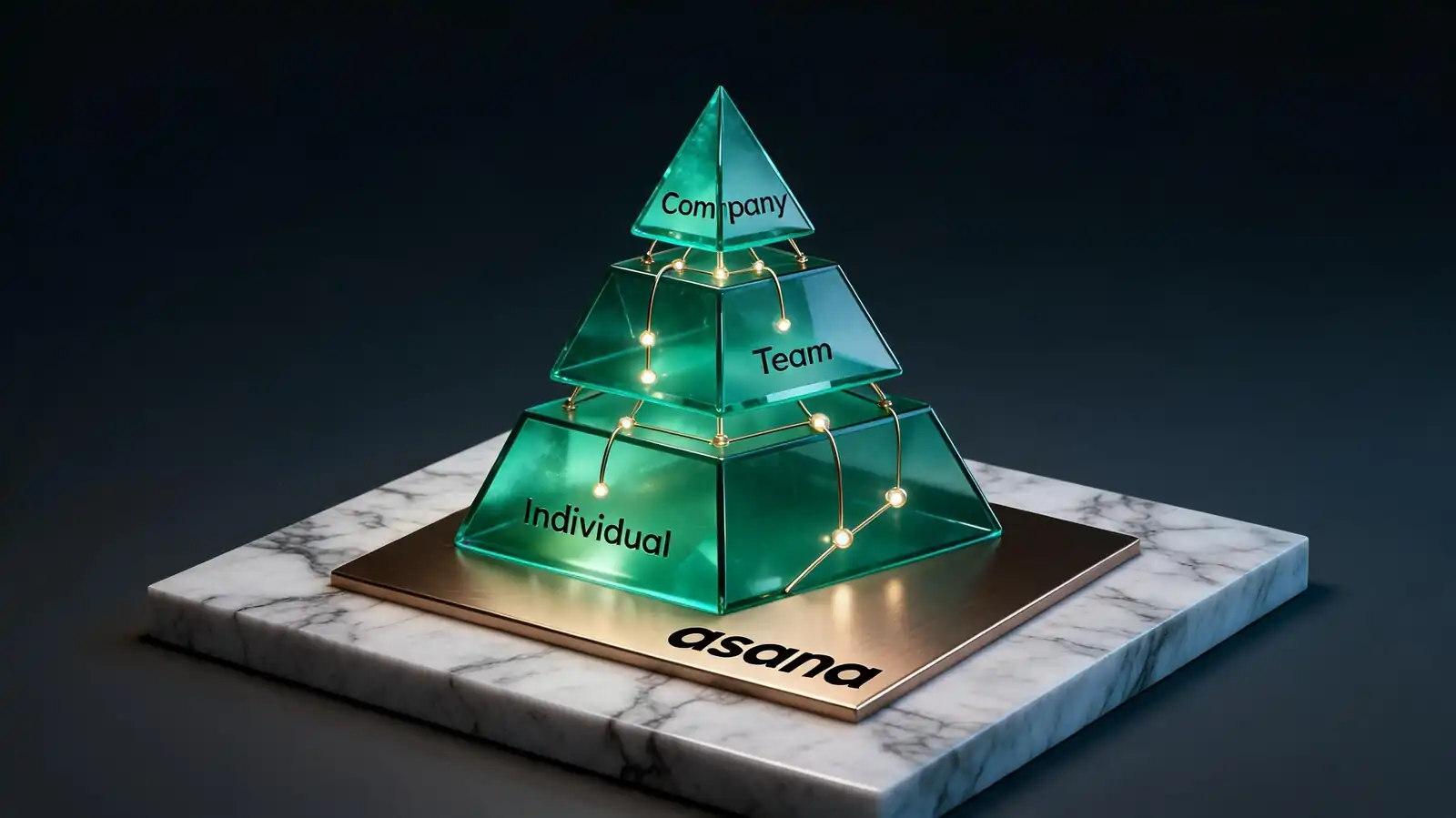
How Goal Tracking Works in Asana
A goal in Asana has a name, an owner, a target value, a current value, a target date, and a status (On track / At risk / Off track / Achieved). Goals nest in a parent-child hierarchy and can link to projects for automatic progress.
Goal tracking is intentionally simple compared with project tracking. Asana models the outcome layer thinly so it stays usable; the depth lives in linked projects.
- Objectives and key results — Goals can hold sub-goals (key results); the structure matches classic OKR vocabulary
- Targets and progress — numeric (0 → 100), percentage, currency, or custom unit; manual or auto-linked
- Manual vs linked — manual updates are weekly check-ins; linked goals pull progress from project completion percentage
- Plan availability — Advanced, Enterprise, Enterprise+; not on Personal or Starter
- Permissions — Goals can be public to the workspace or restricted; owners and contributors are tracked
The most-common mistake is over-modeling. Five team goals is plenty; fifteen dilute focus and start looking like a project list.
Goals hierarchy + targets + linked projects. Cap at 3–5 per team to keep them meaningful.
OKRs, KPIs, and Team Alignment
OKRs and KPIs use Goals differently. OKRs are time-bound objectives with measurable key results; KPIs are ongoing metrics with target thresholds. Asana handles both, but the workflow differs.
The framework choice matters because it shapes review cadence. OKRs review quarterly; KPIs review weekly or monthly. Same Goals feature, different rhythms.
- OKR pattern — quarterly objectives (qualitative), 3–5 key results per objective (numeric), check-ins weekly, retro at quarter end
- KPI pattern — ongoing metrics (revenue, NPS, uptime), thresholds (red/amber/green), reviewed in regular meetings
- Goal hierarchy — company OKRs → team OKRs → individual goals (optional, often skipped at small scale)
- Alignment — every team OKR should link to a parent company OKR; individual goals should link to team OKRs
- Health — confidence rating ("70% confident we hit this") is more honest than binary On track / Off track at mid-quarter
If the team can\'t articulate the parent goal in one sentence, the alignment isn\'t real — it\'s decorative.
OKRs quarterly + qualitative parent + numeric key results. KPIs are ongoing thresholds. Same tool, different cadence.
Dashboards for Goal Reporting
A goal dashboard shows progress towards each goal, status colour, owner, and recent activity. The dedicated Goals view in Asana acts as a default dashboard; custom dashboards can layer additional context.
Most teams use the built-in Goals view as their primary goal dashboard. Custom dashboards add context — usually a status update and a portfolio rollup of contributing projects.
- Progress charts — current vs target with a trend line; visible per goal
- Status colour — On track / At risk / Off track / Achieved; updated weekly
- Weekly note — short narrative per goal; the part that travels via email and Slack
- Stakeholder summary — pin 3–5 goals to a portfolio for an executive view
- Export — goal data exports via the API; CSV exports are limited compared with task data
- Sharing — goal pages are shareable internally; external sharing requires a workaround (PDF or screenshot)
Test the dashboard with a board-level reader. If they can scan the page in two minutes and walk away with the right summary, the dashboard works.
Use the built-in Goals view + weekly narrative. Add a portfolio rollup for executive consumption.
Connecting Goals to Work
The "linked work" feature ties goals to projects and portfolios so progress can update automatically. The connection is what stops goals from being decorative and starts them shaping daily prioritisation.
The most common failure mode is goals that exist in their own universe — set quarterly, never linked to projects, only reviewed at the retrospective. Linking projects fixes that.
- Project linking — pick one or more projects whose completion percentage feeds the goal\'s progress
- Portfolio linking — for larger goals, link a portfolio and roll up multiple projects automatically
- Owners and check-ins — every goal has an owner who files the weekly status; auto-linked goals reduce manual effort
- Review cadence — weekly check-in, mid-quarter recalibration, quarter-end review
- Vanity metric risk — every goal that can\'t be tied to actual work usually becomes one; cut goals that lack project links
A useful rule: if there is no project this quarter that contributes to a goal, the goal isn\'t real. Either link a project or remove the goal.
Link goals to projects. No project → no real goal. Cut decorative goals fast.
Best Practices and Alternatives
Start with fewer goals than you think. Use Asana Goals when project tracking and outcomes live in the same tool; choose a dedicated OKR product when review cycles, weighting, and 360 inputs matter.
The deciding factor is whether OKRs need to be deeply integrated with performance reviews. If yes, dedicated software wins; if no, Asana Goals is enough.
| Need | Right tool |
|---|---|
| Lightweight quarterly OKRs linked to projects | Asana Goals (Advanced+) |
| OKRs tied to performance reviews and 360s | Lattice, 15Five, Workboard |
| OKR-specialist deep workflows (weighting, calibration) | Mooncamp, Quantive (Gtmhub), Profit.co |
| Pure KPI tracking with BI charts | Tableau, Looker, Power BI with custom data pipelines |
| Small team experimenting with OKRs | Asana Goals or a shared Notion page |
- Start with 3–5 team goals per quarter; expand only after the team gets used to the cadence
- Pair every goal with a project; if you can\'t, the goal isn\'t real
- Avoid mixing OKRs and KPIs in the same dashboard at the same level; they have different rhythms
The hardest part of goal tracking is not the tool. It is committing to a review cadence and being honest at check-ins.
Asana Goals for lightweight OKRs linked to work. Dedicated OKR tools when reviews and 360s matter.
Frequently asked questions
What plan do I need for Asana Goals?
Advanced, Enterprise, or Enterprise+. Goals are not included on Personal or Starter. The Advanced plan also unlocks Portfolios and Workload, which pair naturally with Goals for outcome tracking.
Can Asana Goals replace a dedicated OKR tool?
For lightweight OKR practice — quarterly objectives, weekly check-ins, project links — yes. For deep OKR workflows that include weighting, calibration, 360 inputs, and performance review integration, dedicated tools like Lattice, Mooncamp, or Quantive go deeper.
How do I link a project to a goal?
Open the goal, choose "Link work" or "Add linked project", and pick the project from the workspace. The goal's progress can then auto-update from project completion percentage, or you can keep it manual and file weekly check-ins.
How often should I update goals?
Weekly check-ins are the modal cadence: a short narrative plus a confidence rating or status colour. Quarterly retros for OKRs at the end of the cycle. Monthly for ongoing KPIs. Daily updates are almost always overkill and dilute the signal.
How does Asana handle company-team-individual goal hierarchy?
Goals nest in a parent-child relationship: company → team → individual. Each level has its own owner and check-in cadence. Most small organisations skip the individual goal layer and stop at team goals, which is often enough to get alignment without overhead.
Download this guide
The same guide as an offline file — for reading later or sharing with a colleague.
Files open in the matching viewer; sizes are shown next to each link.