Asana Resource Tracking for Capacity and Planning
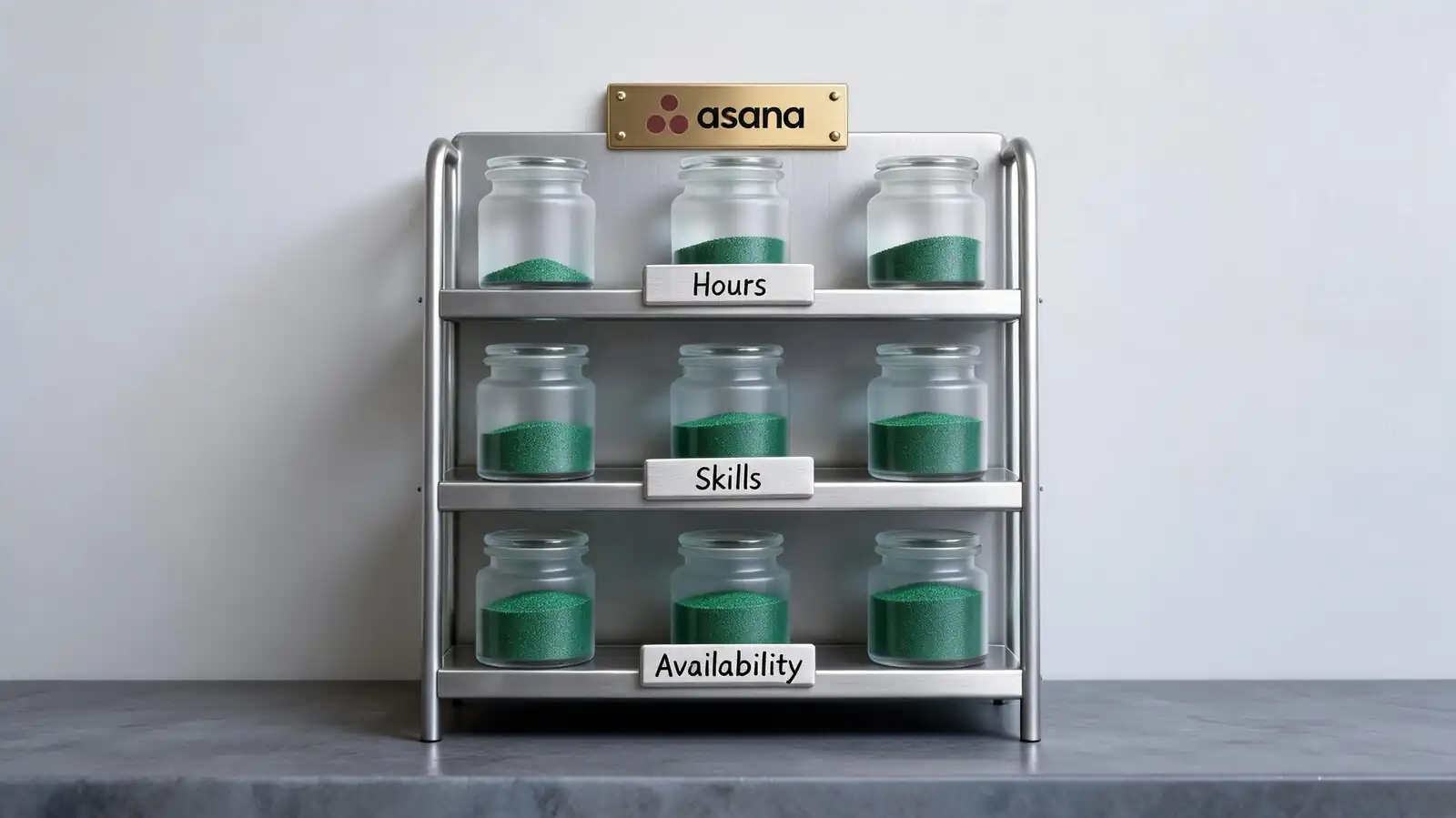
What Resource Tracking Means in Asana
Resource tracking in Asana covers people-time and project-demand. It doesn't cover non-people resources (equipment, rooms, budgets) the way dedicated systems do.
Most Asana users use "resources" to mean people and their time. Other resource types (budget, vendors, physical assets) tend to live in adjacent systems.
- People, time, workload, constraints — the core resource view in Asana is people-time
- Project demand vs team capacity — Workload (Advanced) shows the gap; Portfolios aggregate across projects
- Resources beyond employee tasks — budget tracking via custom field; equipment in a separate project; vendor coordination in a CRM
- Resource manager role — usually one person owns the workload allocation across a team or portfolio
- Cadence — weekly resource review; monthly forecast; quarterly capacity plan
If "resource management" means dollars-and-vendors more than people-and-time, Asana isn\'t the right primary tool. Pair it with a finance or procurement system.
Asana covers people-time. Use other tools for budget, equipment, or vendor coordination.
Capacity Planning and Workload Views
Workload view shows available capacity by person or team. Capacity unit is configurable: tasks, hours, or any numeric custom field.
Capacity planning lives or dies on the inputs. Bad inputs (theoretical 40 hours per week, missing vacation, no skill match) produce dashboards that look healthy while teams burn out.
- Available capacity by person — set in hours per week or effort per sprint; subtract non-working days
- Time estimates and workload units — estimate effort field; sum per assignee over the planning window
- Plan limits — Workload only on Advanced and above
- Realistic capacity — 30–35 productive hours per week per full-time person, not 40
- Skill matching — not native; custom field for skill or role helps with manual matching
Don\'t plan to 100% capacity. Buffer 20% for emergencies, sick days, and the work no one estimated.
Set realistic capacity (30–35h/week × 0.8 buffer). Skill matching is manual.
Resource Allocation Workflows
Allocation means deciding who does what. In Asana, that's task assignment plus Workload visibility. Rebalancing happens when one person's bar turns red.
Three patterns cover most allocation work. Pick the one that matches the team\'s decision-making style.
- Assigning work by skills or owners — owner field plus a Skill custom field for matching
- Rebalancing overloaded teammates — reassign work, push deadlines, or descope
- Handling changes and new requests — pause-and-replan vs absorb-into-buffer; pick one default
- Resource lead — usually one person makes allocation calls; document the role
- Cadence — weekly allocation review meeting; sprint planning if running sprints
If allocation conversations happen ad hoc rather than scheduled, expect surprises. A 30-minute weekly review prevents most fires.
Owner + Skill field for matching. Weekly review prevents most allocation surprises.
Dashboards for Resource Management
Resource dashboards combine utilisation, capacity overlay, and project demand. Time tracking (Advanced) adds actuals alongside planned hours.
Useful resource dashboards stay focused on the resource manager\'s decisions: who needs help, where to add hours, when to say no to new requests.
- Utilisation and at-risk projects — Workload bar per person + project status colour
- Time tracking as planning data — actuals vs estimates per project; surfaces estimate accuracy
- Portfolio-level reporting — Workload across multiple projects in one view; useful for multi-project resource managers
- Forecasting — Asana doesn\'t natively forecast; pair with a PSA tool if forecasting matters
- Skill gap signal — when a Skill field doesn\'t match available capacity, surface manually in weekly review
Forecasting is the most-cited Asana resource-management gap. The realistic path is exporting data via API and forecasting in a BI tool or PSA platform.
Workload + time tracking + portfolio. Forecasting requires API export or a PSA tool.
Limitations and Alternatives
Asana hits ceiling on utilisation forecasting, skill matching, and vacation-aware planning. Dedicated PSA tools (Float, Resource Guru, Mosaic) fit when resource management is the central job.
Match the tool to the role. Resource manager? Probably need a PSA tool. Team lead also handling resources? Asana is usually enough.
- Manual data quality risks — estimates rot, assignments get stale, capacity changes; weekly hygiene matters
- Dedicated resource tools — Float, Resource Guru, Mosaic, 10,000ft — go deeper on utilisation, scheduling, forecasting
- When spreadsheets still appear — finance reconciles utilisation in spreadsheets; sometimes that\'s simpler than pushing through Asana
- Cost trade-off — PSA tool adds per-seat cost; justify with concrete resource-management hours saved
- Integration path — Asana API to a PSA tool or BI system; keeps Asana as the work-tracking source of truth
If a dedicated resource manager spends more than half their week on capacity planning, a PSA tool will pay back faster than fighting Asana.
PSA tools (Float, Resource Guru, Mosaic) for dedicated resource managers. Asana for team leads handling it part-time.
Frequently asked questions
What's the difference between Workload and Resource Tracking in Asana?
Workload is a view in Asana (available on Advanced) that shows people's assigned work and capacity. Resource tracking is the broader practice that includes Workload plus skill matching, forecasting, vacation planning, and allocation decisions — some of which Asana doesn't cover natively.
Can Asana track resource utilisation?
Yes, by combining Workload data with time tracking data (both Advanced). Utilisation = actual hours ÷ available hours. Useful for agencies and consultancies. For sophisticated utilisation forecasting and historical analysis, pair with a PSA tool or push data to a BI system.
Does Asana support skill-based assignment?
Not natively. The workaround is a Skill custom field on each task, plus manual matching during allocation. Some PSA tools (Float, Mosaic, Resource Guru) natively support skill matching and can pull from Asana for the work-tracking side.
How do I forecast capacity in Asana?
Asana doesn't forecast natively. The realistic options: export data via the API and forecast in a BI tool, manually project forward in a spreadsheet using current Workload data, or pair Asana with a PSA platform that handles forecasting natively.
When should I use a dedicated PSA tool instead of Asana?
When resource management is a full-time role, when utilisation forecasting matters weekly, when skill matching drives most decisions, or when agencies need integrated billing and utilisation. Most operations and project teams can stay in Asana; agencies and consultancies with dedicated resource managers usually outgrow it.