Asana CRM Tracking: Pipelines, Clients, and Handoffs
Can Asana Work as a CRM Tracker?
For teams managing fewer than 50 active deals with straightforward sales cycles, Asana can function as a lightweight CRM. Past that volume — or once forecasting, lead scoring, or email tracking matters — a real CRM wins.
The deciding factor is whether sales is the primary function or an adjacent one. Adjacent (consultancies, agencies, small operations teams), Asana fits. Primary (B2B SaaS sales orgs, sales-led growth companies), Asana isn\'t deep enough.
- Pipeline as projects or boards — board view with stage columns; Discovery → Qualified → Proposal → Closed Won/Lost
- Account and contact fields — custom fields for company name, contact, deal value, close date, source
- Where a real CRM is still needed — revenue forecasting, lead scoring, email tracking, marketing automation, multi-touch attribution
- Volume threshold — under 50 active deals fits Asana; over 200 active deals likely needs a real CRM
- Workflow complexity — single sales motion is fine; multi-product, multi-team selling needs CRM depth
Don\'t force Asana to be a CRM if sales is critical to the business. The cost of switching tools later is much higher than the cost of starting with the right one.
Asana for under-50 deals or non-sales-first teams. Real CRM (Salesforce, HubSpot, Pipedrive) when sales is primary.
Sales Pipeline and Account Tracking
Pipeline tracking in Asana uses a board view with stage columns. Custom fields carry the structured data — deal value, source, close date — that turns a task list into a pipeline.
The setup is straightforward: one project for the active pipeline, board view, 6–8 stage columns. Closed deals archive to a separate project for analysis.
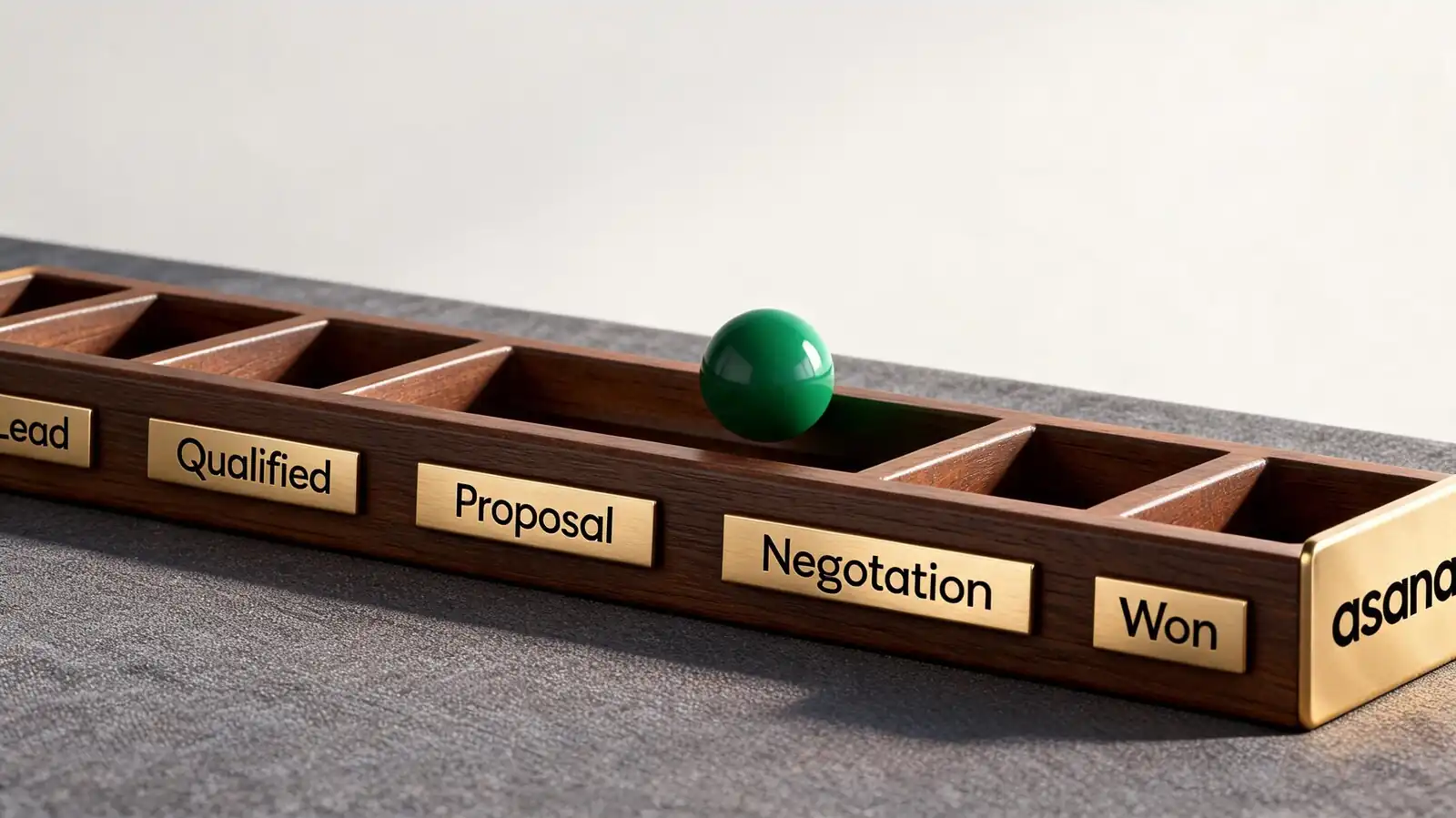
- Stage columns — Discovery, Qualified, Proposal, Negotiation, Closed Won, Closed Lost (some teams add Verbal Yes)
- Custom fields — Company, Contact, Deal value (number), Source (single-select), Close date (date), Owner
- Deal handoff — when stage = Closed Won, auto-create a task in the Delivery project with all relevant fields copied
- Templates — save the pipeline project as a template so new sales territories or product lines stand up quickly
- Closed-deal archive — separate project for completed deals; useful for retro analysis and renewal tracking
Track close-rate per source quarterly. The simple ratio (closed-won ÷ created) is more honest than weighted forecasting at small scale.
Board view + stage columns + custom fields for deal data. Archive closed deals separately.
Client Communication and Delivery
For agencies and service teams, Asana shines once the deal closes: client work moves into a delivery project with tasks tied to commitments, files attached, and approval workflows for sign-offs.
The handoff from sales to delivery is where most CRM-style work falls down. Asana\'s strength is keeping the same data flowing from pipeline to delivery without re-entry.
- Tasks tied to client commitments — each promise made during sale becomes a task in the delivery project
- Files, comments, and follow-ups — meeting notes, signed contracts, proposal docs attached to tasks
- Privacy and external sharing — invite client as guest with restricted permissions if they need visibility
- Approval workflows — proof, sign-off, change-order — all as approval tasks with audit trail
- Multi-homing — same task can sit in the client\'s delivery project and the agency\'s capacity project
If clients see Asana directly, restrict visibility. Internal commentary belongs in private subtasks or in a separate internal project.
Sales handoff → delivery project with multi-homed tasks. Internal commentary stays in private subtasks.
CRM Dashboards and Reporting
A CRM dashboard in Asana shows pipeline value by stage, deals stuck longer than expected, conversion ratios, and per-owner workload. Revenue and forecasting depth is the most-missed piece versus a real CRM.
Useful dashboards focus on flow and bottlenecks. The cards below cover what most small teams actually need.
- Pipeline by stage — count of deals and total deal value in each stage
- Stuck deals — list card of deals in the same stage for more than 30 days
- Conversion ratios — closed-won ÷ created, by source and by salesperson
- Client workload — open deliverables per client; useful for capacity-aware sales
- Revenue data — verify externally (in the accounting system or BI tool); Asana isn\'t the source of truth for revenue
If revenue forecasting is needed weekly, push deal data into a BI tool via the API. Asana isn\'t set up for weighted pipeline forecasting natively.
Pipeline by stage + stuck deals + conversion ratios. Push revenue data to a BI tool or accounting system.
CRM Integrations and Alternatives
Asana integrates with Salesforce, HubSpot, Zendesk, and Mailchimp directly. For sales-first teams, the right pattern is usually a real CRM as source of truth plus Asana for delivery work.
Pick the right primary tool based on motion. Sales-first → CRM primary, Asana secondary. Delivery-first → Asana primary, CRM secondary.
- Salesforce — two-way sync; Salesforce stays source of truth for revenue, Asana for execution
- HubSpot — integration creates tasks in Asana from CRM stages; useful for marketing-led sales motions
- Zendesk — support tickets that need engineering work become Asana tasks
- Automation for handoffs — when CRM deal closes, create Asana delivery project from template
- When dedicated CRM wins — sales is the primary function, forecasting matters, email tracking matters, lead scoring matters
If sales accounts for less than 20% of total operational complexity, Asana is enough. If it\'s the majority, a real CRM pays back fast.
Salesforce/HubSpot for primary sales work, Asana for execution. Don't force one tool to do both.
Frequently asked questions
Can Asana replace Salesforce?
For most sales-first organisations, no. Salesforce offers deep forecasting, lead scoring, email tracking, marketing automation, and revenue reporting that Asana doesn't. For small teams (under 50 active deals), non-sales-led businesses, and teams already in Asana, a lightweight CRM workflow in Asana can be enough.
Is there an Asana CRM template?
Yes, Asana ships several CRM-style templates in its template library, including Customer Onboarding, Sales Pipeline, and Client Management. They're reasonable starting points but require custom field tweaks to match your sales motion. Save your own template after the first iteration.
How does Asana integrate with HubSpot?
Through an official integration. When a deal reaches a defined stage in HubSpot, a task or project can be created automatically in Asana — typically for delivery handoff. The integration handles common patterns but isn't a deep two-way sync; verify field mapping before relying on it.
Can clients see and comment on Asana projects?
Yes, as guests. Guests on Starter and above are unlimited and don't count against the user seat. Set permissions to comment-only for client visibility, restrict access to specific projects, and put internal commentary in private subtasks or a separate internal project.
How do I track deal value in Asana?
Add a number custom field "Deal value" and a single-select "Stage" field. Dashboards can sum deal value by stage or by owner. For more sophisticated revenue tracking (weighted pipeline, multi-currency, multi-period forecasts), push the data to a BI tool or use a real CRM.