Asana Automation Tracking: Rules, Usage, and Workflow Limits
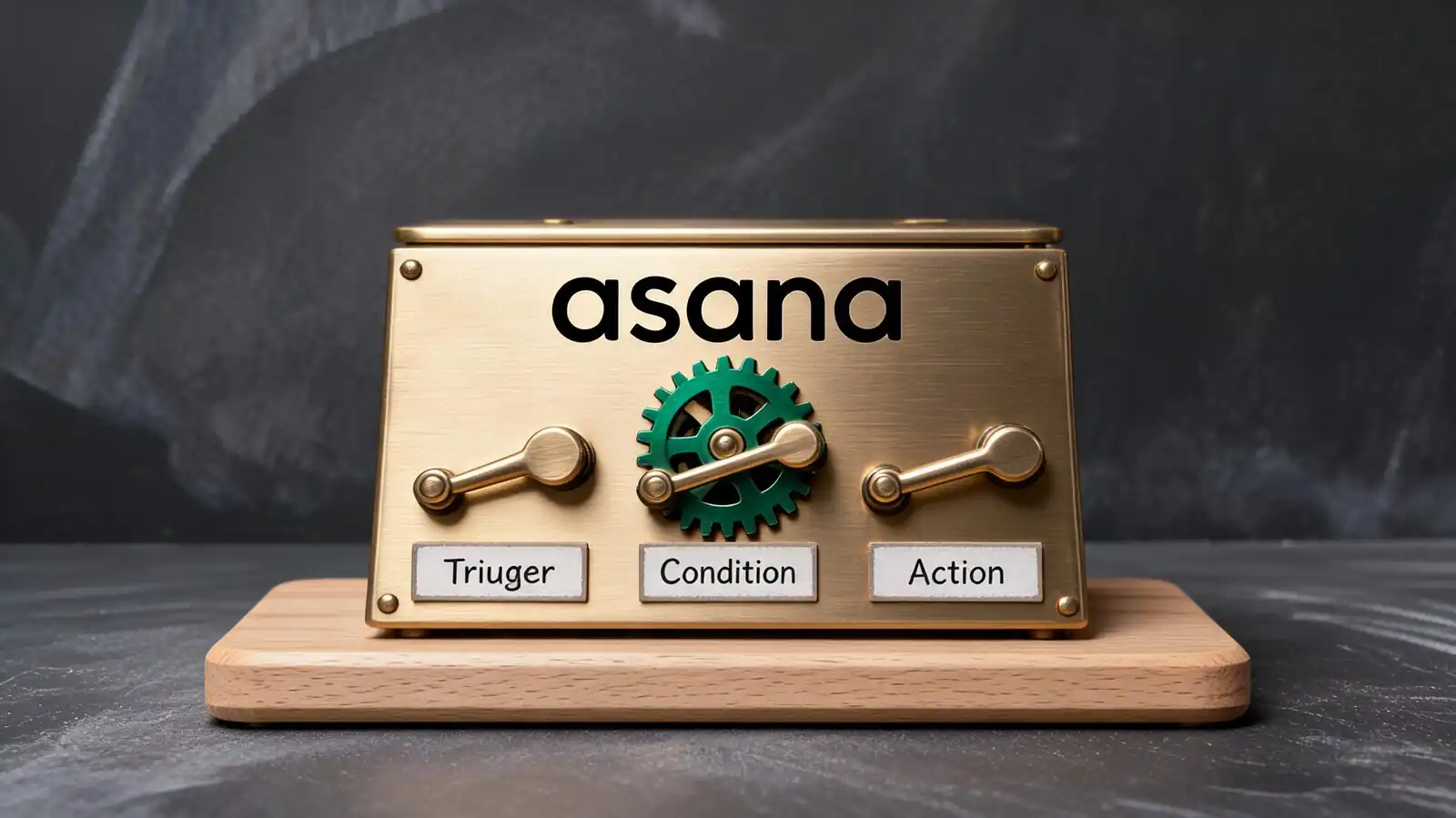
How Asana Automation Works
Each rule combines a trigger (event), optional conditions (filter), and one or more actions (what to do). Rules run at the project level; some run at the portfolio or workspace level depending on tier.
The architecture is intuitive once you build a few rules. The biggest learning curve is naming conventions and audit discipline — not the rule builder itself.
- Triggers, conditions, and actions — trigger fires; condition filters; action executes
- Project-level rules — most rules live on a single project; portfolio-level rules require higher tiers
- Plan availability — Personal: no rules. Starter: 250 runs/month/project. Advanced: 25,000 actions/month/project. Verified May 20, 2026.
- Rule names — descriptive names that explain intent ("Notify QA when Status = Ready"), not "Rule 17"
- Usage tracking — Asana shows rule runs per project; check before celebrating clever automations
Build rules incrementally. The temptation to automate everything on day one produces rule sets no one can maintain six months later.
Trigger + condition + action. Cap rules to what you'll maintain, name them descriptively, audit usage monthly.
Best Automation Use Cases
High-leverage automations cover status updates, assignments, due-date reminders, intake routing, and recurring work. Low-leverage automations create notifications no one reads.
The 80-20 rule applies. Five well-built rules cover most operational pain; everything else is incremental or noise.
- Status updates and assignments — when section = Ready for Review, assign to QA lead; when Status = Done, archive after 30 days
- Due-date reminders and escalations — 24 hours before due, comment with checklist; if overdue 7+ days, escalate to manager
- Intake routing — Form submission triggers auto-assignment based on request type
- Recurring work — weekly status post, monthly retro, quarterly review — all as recurring tasks
- Cross-team handoffs — when section moves, create task in the next team\'s project; multi-home cross-cutting work
The most useful automation is quiet. A rule that fires 200 times without anyone noticing is doing its job; a rule that fires 200 notifications is doing the opposite.
Five high-leverage rules cover most ops. Quiet automation > noisy automation.
Integrations and Webhooks
Asana integrates with hundreds of tools and exposes webhooks plus a REST API for custom integrations. Webhooks push events to external systems; the API supports two-way work.
Integrations extend automation beyond Asana. The right pattern is to keep Asana as the work-tracking source of truth and push events out, rather than trying to make Asana do everything.
- Chat, calendar, email, docs — Slack, Teams, Google Calendar, Outlook, Drive, Box; one-click setup
- Webhook or API automation — for systems not in the official catalogue; rate-limited, JSON-formatted, well documented
- Zapier and Make — for connections without writing code; useful for one-off workflows and small-scale automations
- Custom integrations — API for full programmatic control; webhooks for event-driven flows
- When Zapier or Make still matters — when native integration doesn\'t cover the exact workflow, or when no native integration exists
Audit connected apps quarterly. Old integrations linger and create security holes when nobody owns them.
Native integrations for common tools; webhooks/API for custom. Audit connected apps quarterly.
Tracking Automation Success
Asana surfaces rule activity logs and usage counts per project. Failed rules can pause silently; success tracking requires deliberate review.
Automation that fails silently is the worst kind. The team thinks work is moving; it isn\'t. Build the audit cadence early.
- Activity logs and failure signals — rule activity panel shows what fired and when
- Paused automations — rules pause when a target user leaves the workspace or a field is deleted; check monthly
- Usage caps — Starter 250/month/project; Advanced 25,000/month/project; monitor headroom
- Human review for risky workflows — never automate approvals, client-facing communications, or anything touching money or compliance
- Documentation — README task in each project with active rules and what they do
If a critical workflow depends on a single rule, build a fallback: a recurring task that asks the owner to verify the rule still works.
Audit activity monthly, watch usage caps, keep humans on risky workflows.
Automation Best Practices
Start simple, name everything descriptively, audit quarterly, retire stale rules. Process drift is the largest automation risk.
Mature automation looks boring. A team with 30 well-named, well-audited rules outperforms a team with 80 clever rules no one understands.
- Start simple before scaling — pilot manually for two weeks before adding automation; the team will surface what actually needs it
- Name and document every rule — descriptive name, README task lists active rules
- Audit after process changes — when a workflow changes, walk through every rule on the project
- Retire stale rules — rules that haven\'t fired in 90 days are usually safe to remove
- Owner accountability — every project has an automation owner; rotates rarely but the role exists
The fastest way to make Asana feel "noisy" is to accumulate dozens of half-broken rules. Quarterly hygiene prevents the rot.
Start simple, name everything, audit quarterly, retire stale rules. Boring automation outperforms clever automation.
Frequently asked questions
How many automations does Asana allow?
Personal has no rules. Starter caps at 250 rule runs per month per project. Advanced lifts the cap to 25,000 actions per month per project. Enterprise tiers offer higher limits. Verified against Asana's pricing page on May 20, 2026; numbers change periodically, so reconfirm before designing rule-heavy workflows.
What triggers can Asana automation use?
Common triggers: task created, due date approaching, task assigned, custom field changed, section changed, status changed, comment added. Form submissions and external integrations (Slack, Salesforce) can also trigger rules. The full list is published in Asana's rule builder.
Can Asana rules call external APIs?
Not directly through the rule builder. For external API calls, use webhooks or the Asana API in combination with Zapier, Make, or a custom server. The pattern: Asana event triggers a webhook; the receiving server calls the external API; the result writes back to Asana via the API.
What happens when an automation fails?
Rules can pause silently when a target user leaves the workspace or a referenced field is deleted. The rule activity log shows what fired and what didn't; check monthly during routine audits. For critical workflows, build a fallback recurring task that verifies the rule still works.
Should I automate everything I can in Asana?
No. Automate routine moves (status changes, assignments, reminders, archives) and intake routing. Keep humans on judgement calls — approvals, client-facing communications, escalations, anything that touches money. The boring automations save the most time; the clever ones often break and add maintenance overhead.