Asana Progress Tracking: Status, Milestones, and Dashboards
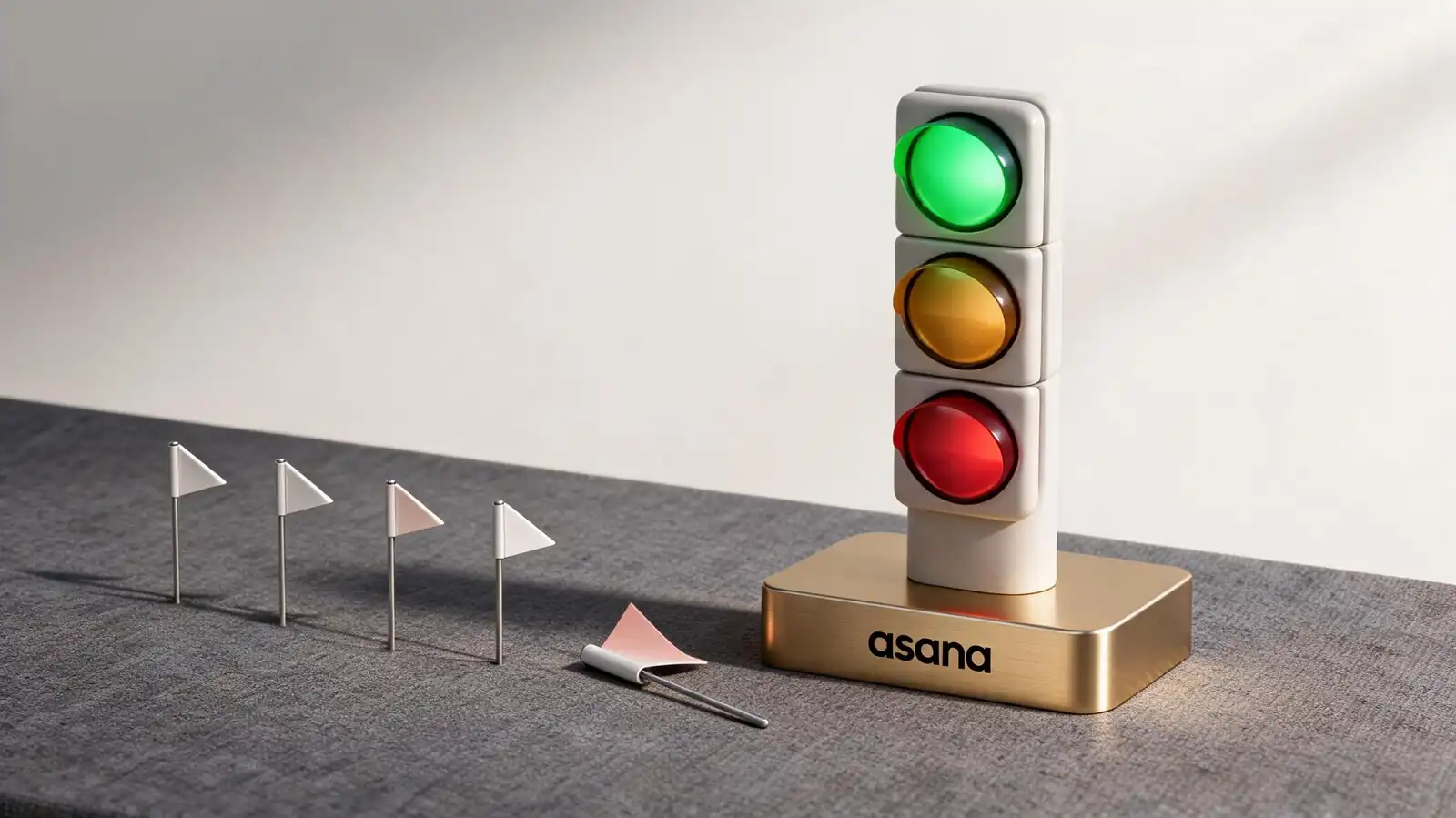
How Asana Shows Progress
Progress in Asana is a stack: task completion → project status → goal rollup → portfolio view. Each layer answers a different question, from "what shipped today" up to "are we on track for the quarter".
Each layer has its own rhythm. Task completion is real-time; project status is weekly; goals update on a cadence the team sets; portfolios refresh as projects do.
- Task status — open, in-progress (via section), completed; flows through the project
- Milestones — special tasks that show as diamonds on Timeline and in dashboards
- Project health signals — On track / At risk / Off track / On hold / Complete
- Goal progress — Advanced plan; manual updates or auto from linked project completion
- Views for different audiences — list/board for contributors, dashboard for managers, portfolio for executives
If a stakeholder asks "where are we?" and the answer needs to combine three of these layers, the project owner is the person to assemble it. Don\'t try to make one card answer everything.
Progress is a stack: task → project → goal → portfolio. Pick the right layer for each audience.
Status Updates and Review Cadence
Weekly status updates from the project owner are Asana's most-read artifact for people who never open the tool. A three-line narrative plus a colour code carries most of the signal.
Cadence matters as much as content. Weekly is the modal choice; bi-weekly fits slow programmes; daily is overkill except for live launches.
- What to include — colour code (On track / At risk / Off track), 3-line narrative, links to the work and dashboard
- On track vs at risk — "at risk" should mean "we need help"; otherwise the signal degrades
- Cadence by project type — weekly for live work, bi-weekly for programmes, monthly for slow strategic projects
- Stakeholder update rhythm — usually one update behind the team\'s working cadence (team weekly → exec bi-weekly)
- Automation — rule to remind the project owner every Friday to file the update
The most useful single rule: if a status update reads identically to last week\'s, it doesn\'t need to be sent.
Weekly narrative + colour code. Use "at risk" only when help is genuinely needed.
Dashboards and Progress Reports
A progress dashboard typically shows due work, completed work, milestone status, and goal rollup. Five to six cards covers most reporting needs; complexity beyond that signals data overload.
The cards that matter for progress reporting are different from the ones that matter for productivity tracking. Don\'t conflate the two dashboards.
- Completed work — count of tasks completed per week; trend over absolute
- Due work — upcoming due dates, sorted by date; surfaces what\'s next
- Milestone status — upcoming milestones; recently-hit milestones; missed milestones
- Goal rollup — Advanced plan; goal progress chart linked to the project
- Export options — CSV from any list, PDF from status updates, JSON via API; pick based on consumer
- Sharing — internal links inherit project permissions; public links available but disabled by default for sensitive data
Test dashboard usefulness with a stranger. If someone outside the project can\'t tell whether things are going well in 30 seconds, the dashboard isn\'t doing its job.
Five cards, trend over absolute, test with a stranger. Anything you have to explain doesn't earn its place.
Timeline and Dependency Tracking
Timeline view shows tasks with start and due dates as bars, with dependencies as connecting lines. It is Asana's answer to Gantt — lighter than Microsoft Project, much heavier than Trello.
Dependencies do real work in spotting slippage early. When a predecessor task slips, the dependency badge on the successor flags the conflict before deadlines fall over.
- Date ranges — start and due dates on Starter and above; without start dates, Timeline collapses
- Dependencies — finish-to-start only; no start-to-start or finish-to-finish edges
- Drag to reschedule — grab the bar and move; option to shift downstream dependent tasks automatically
- Calendar view — for personal time-blocking and content calendars; less useful for projects
- Gantt-style features missing — no critical path highlighting, no baseline tracking, no resource levelling
For projects under 12 weeks with under 200 tasks, Timeline is comfortable. Beyond that, the missing Gantt features start to hurt, and Smartsheet or MS Project become the better fit.
Timeline handles short-to-medium projects. Past 12 weeks/200 tasks, look at Smartsheet or MS Project.
Progress Tracking Limitations
Manual updates rot, dashboards mislead, and Portfolios don't scale to massive PPM environments. Knowing where the limits sit prevents teams from forcing the tool past them.
Three failure modes recur. Each has a workaround or alternative, but recognising the failure early prevents wasted effort.
- Stale status — manual status updates rot when the project owner gets busy; rule-based reminders help, discipline does the rest
- Misleading metrics — task completion rate hides scope changes; pair with milestone hit rate for grounding
- Portfolio scale — Portfolios work for 10–50 projects; beyond that, dedicated PPM tools handle the volume better
- Engineering teams — no native burndown, no velocity — Jira or Linear instead
- Cross-workspace reporting — limited; the API is the realistic path for multi-workspace orgs
If the team is rebuilding the same dashboard every quarter, Asana isn\'t the problem — the reporting framework is. Step back and decide what really needs to be tracked before adding more cards.
Stale updates and misleading metrics break progress tracking. Fix discipline, not dashboards.
Frequently asked questions
How do I share project progress with stakeholders?
Use the project status update (colour code + narrative) combined with a dashboard. Stakeholders who never log in receive the status update via email or Inbox notification; those who occasionally log in see the dashboard. PDF export of status updates covers static-format consumers.
What are milestones in Asana?
Special tasks that render as diamonds on Timeline and dashboards. They mark significant moments in a project — phase completion, launch dates, contract signing — and roll up to portfolio views. Use them sparingly: 5–10 milestones per project is plenty; more dilutes the signal.
Does Asana have a burndown chart?
No, not natively. Asana shows completion rate over time but not story-point burndown or velocity. Engineering teams running formal Scrum usually pair Asana with a sprint tool (Jira, Linear) or move primary tracking out of Asana entirely.
How often should I post project status updates?
Weekly is the modal choice for active projects, bi-weekly for programmes, monthly for slow strategic work. The cadence should be one step behind the team's working rhythm: if the team meets weekly, project leadership should see weekly updates, executives bi-weekly.
Can I track project progress in a portfolio?
Yes, on the Advanced plan. Portfolios aggregate multiple projects into one view with status colour, progress percentage, and custom fields. Cross-portfolio rollups don't exist natively; for that, push portfolio data into a BI tool via the API.